


 Request a Call
Invitation-based access
Client access is not public signup. Workspaces are opened after approval so the experience feels controlled and professional.
Client Portal
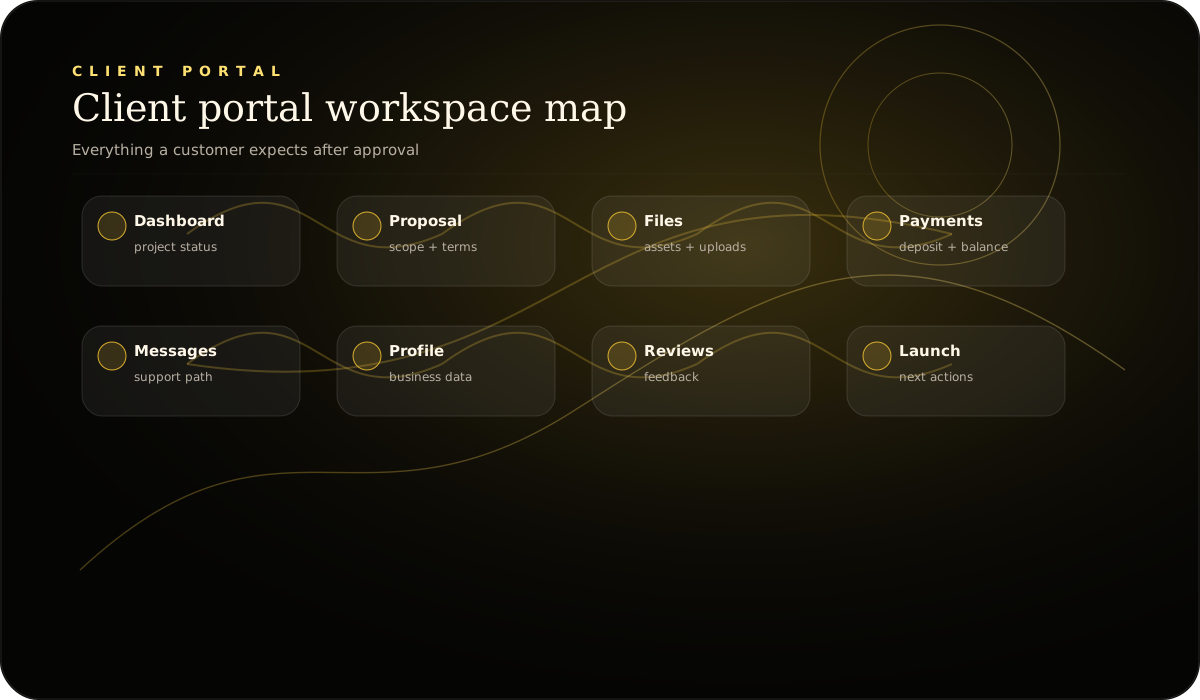
The portal is where approved clients review files, track updates, handle approvals, and request help — but access is only activated when the workspace is ready.
Client access is not public signup. Workspaces are opened after approval so the experience feels controlled and professional.
Files, status, approvals, support direction, and next steps — all in one path instead of scattered emails and texts.
A clean portal reduces confusion, shortens approval cycles, and gives clients confidence that the project is organized.